
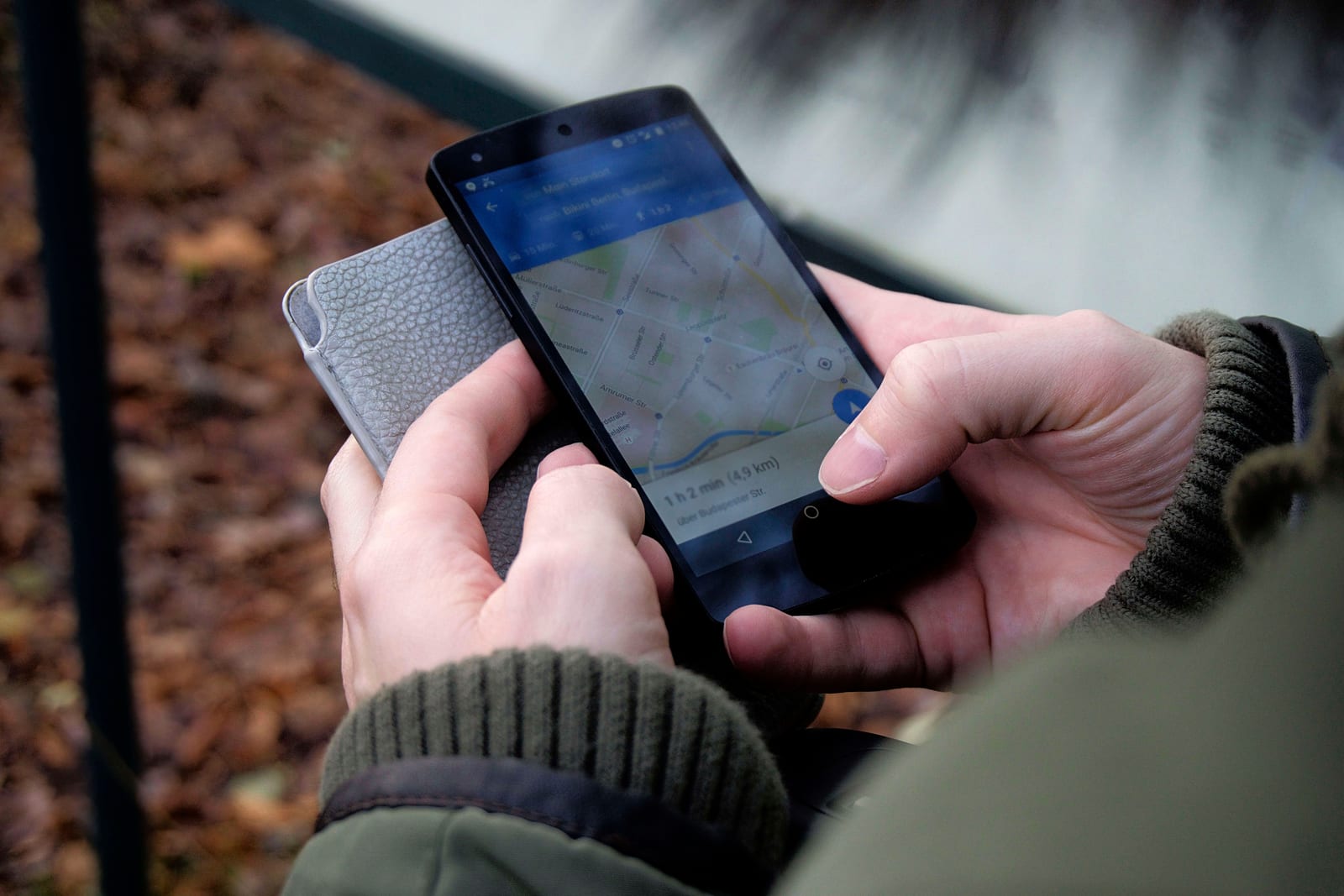
What does an optimised Google Business Profile actually do for a restaurant?
An optimised Google Business Profile improves your ranking on three factors Google uses directly: relevance (does your profile match what someone searched for), distance (how close you are to the searcher), and prominence (how complete, active and well-reviewed your profile is). Improve all three and you appear higher in Google Maps results, get more calls, more direction requests, and more clicks on your Wolt and Bolt Food order links, before a competitor even enters the picture.
93% of diners check Google before choosing a restaurant, and your Business Profile is the first thing they see, not your website. Google's own data shows a profile receives on average seven times more views than the restaurant's website. If your profile is incomplete, that traffic goes nowhere useful.
Soovita handles Google Business Profile management for Tallinn venues exactly because this is where most bookings and walk-ins are won or lost. The steps below are the same ones we work through, in the same order.
Google sets out its three local ranking factors plainly in its official ranking guidance. The rest of this article is about applying them to a real Tallinn venue.
Step 1: Claim, verify, and lock down your profile basics
Before anything else, confirm you own and have verified the profile. Unverified profiles can be edited by anyone, including Google's automated systems pulling wrong information from the web.
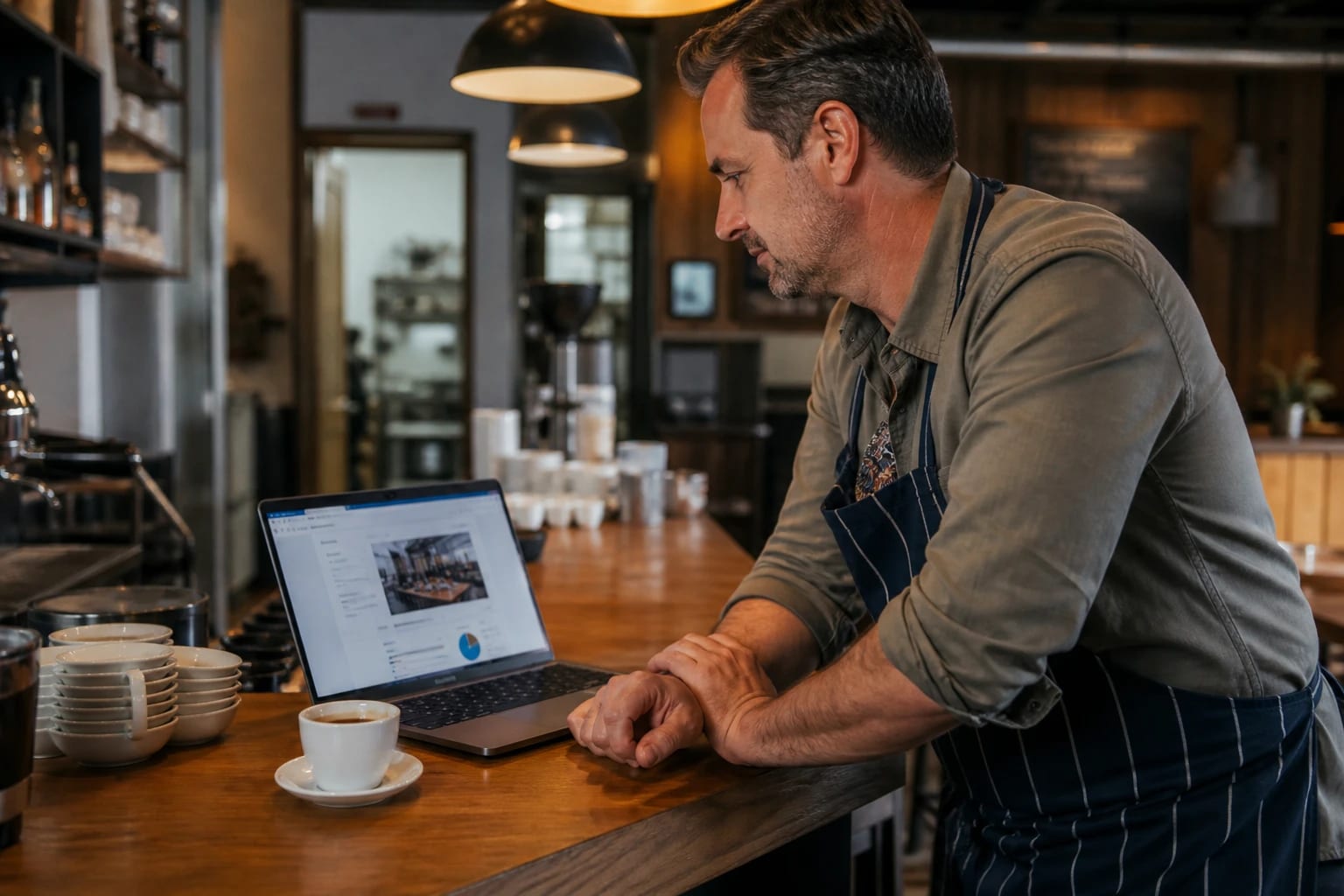
Ten minutes checking your name, address and category can decide who Google shows first.
Once you have access, check that your name, address and phone number match exactly across your Google profile, your own website, your Wolt listing and your Bolt Food listing. Exactly means the same spelling, the same abbreviations or lack of them, the same phone format. A mismatch signals inconsistency to Google and weakens your relevance score.
The category mistake most Tallinn venues make is choosing "Restaurant" and leaving it there. Your primary category should be as specific as possible: "Cafe", "Shisha Lounge", "Cocktail Bar", "Lunch Restaurant". A cafe near the office blocks in Ülemiste that picks "Restaurant" will lose ground to a competitor who picked "Cafe" when someone searches "cafe near me" at 9am. Add secondary categories too. You can add more than one, and they each expand the searches you can appear for.
Google confirms directly that businesses with complete and accurate information are more likely to appear in local results. This step costs nothing and takes under ten minutes.
Step 2: Fill every field, the ones most owners skip
The business description, attributes and menu fields are where most profiles go half-finished. Each one changes which searches you appear for.
Writing a business description that works in Estonian and English
Google gives you 750 characters for the description. Use the first 250 to say clearly what you are and what you offer, because that is all most people see before the "more" button. Write it so it reads naturally, not like a keyword list. For a Tallinn venue, write the description in English. Your customers searching in English, tourists, expats, and the growing number of locals who search in English, will read it. Separately, your posts and updates can go in Estonian first, then English, which covers both audiences without splitting the profile.
Menus and attributes: the fields that change what searches you appear for
Do not upload a PDF menu. Google cannot read a PDF in any meaningful way for ranking purposes. Use the built-in menu editor and add individual dishes with names and short descriptions. A shisha lounge that lists flavours, a bar that names its cocktails, a lunch spot that adds its daily specials as menu items: all of these tell Google what the venue actually offers, which is how you start appearing for searches like "halal lunch Tallinn" or "hookah lounge Tallinn".
Attributes matter too. Outdoor seating, Wi-Fi, halal options, reservations accepted, good for groups. Each ticked attribute is a filter someone might use on Google Maps. If yours is blank and a competitor's is full, they get the click.
Step 3: Photos and posts, how often and what to shoot
40% of diners visit a venue because of food photography they saw online. Photos uploaded by the owner give you control over the first impression. User photos appear too, but they are often badly lit, taken from the wrong angle, or showing a dish you no longer serve. Add your own and they sit at the front.
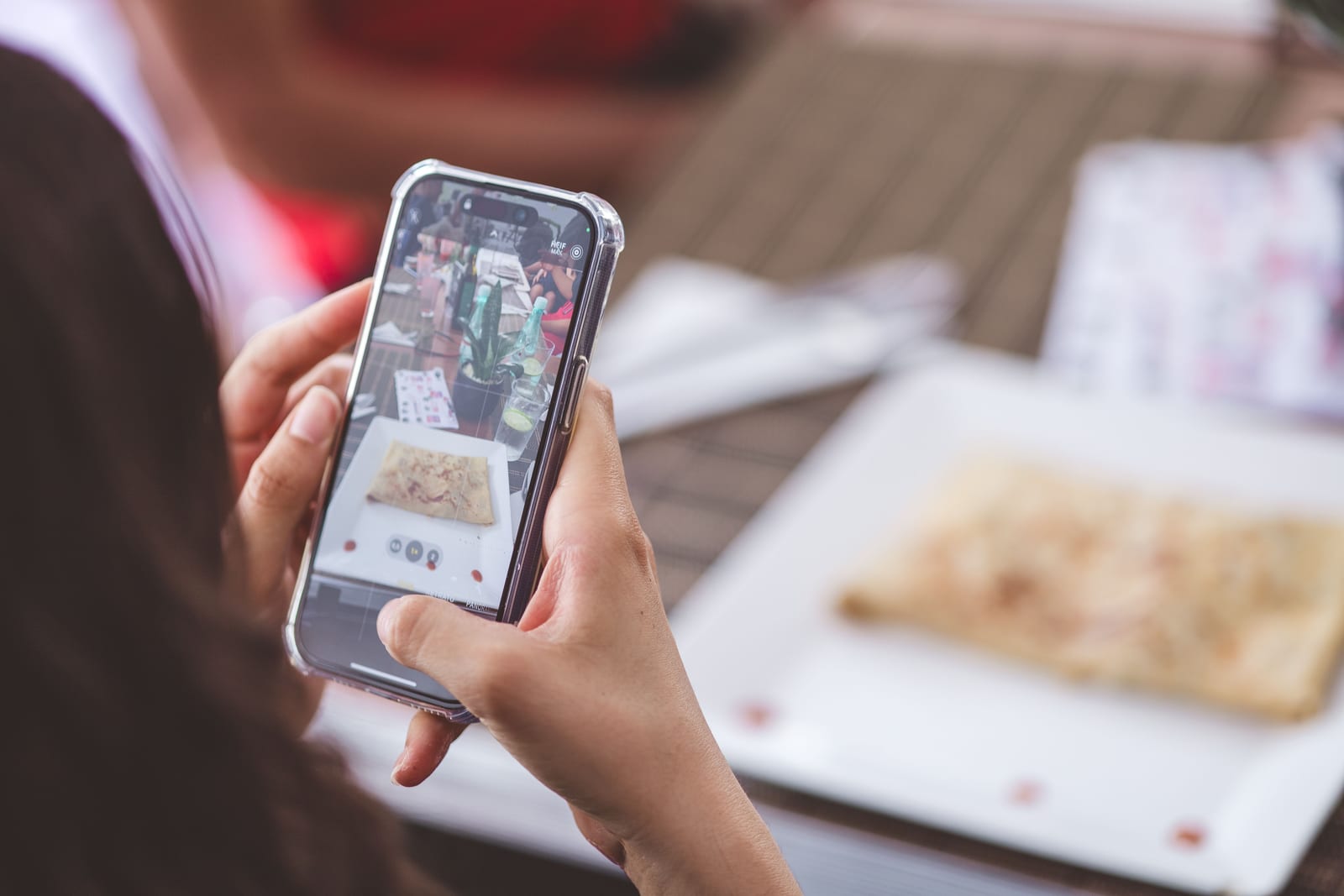
Photos you upload yourself decide the first impression, before a single guest walks in.
At a minimum, upload these four types:
- Exterior, daytime. Helps people recognise the entrance when they are walking there.
- Interior. One wide shot that shows the atmosphere, whether that is a quiet Old Town cafe or a dimly lit shisha lounge.
- Dish close-ups. Your three or four best sellers, shot in natural light if possible.
- Team. One photo with staff makes the place feel real and approachable.
For posts, weekly is the practical minimum. A Tuesday special, a Friday event, a new menu item. Keep posts short and write them in Estonian first, then add a line in English. Most of your local regulars read Estonian; most tourists read English. One post covers both if you structure it that way.
Step 4: Reviews, how to get them and how to reply in two languages
The best moment to ask for a review is right after the experience, when the customer is still at the table or just settling the bill. A short, genuine ask from a staff member converts far better than a bulk email sent three days later. Keep a QR code on the table that links directly to your Google review page.
Replying to every review is a Google-confirmed ranking signal, and it is also the part most Tallinn venues handle badly. A one-line copy-pasted reply does more harm than good. For a positive review left in Estonian, reply in Estonian. For one left in English, reply in English. For negative reviews, acknowledge the specific complaint, avoid being defensive, and close with an invitation to return. One honest reply to a bad review does more for your reputation than ten replies to good ones.
Managing review replies across two languages takes more time than it looks. If that is the part slipping, review reply management is something Soovita handles for venues that cannot keep up.
Step 5: Read your GBP Insights and know what the numbers mean
Google Business Profile Insights shows you four numbers worth watching regularly: calls, direction requests, website clicks, and photo views. Together they tell you whether your profile is doing its job.
Direction requests are the most useful signal for a venue. A drop in direction requests usually means one of three things: your hours are wrong and people are finding you closed, a competitor has overtaken you in ranking, or your photos and description have stopped drawing people in. Check the other three metrics alongside it and the cause usually becomes obvious.
Photo views tell you which images are being seen most. If the top photo is a user-uploaded shot from two years ago, upload better ones and watch the number shift over the following weeks. Calls dropping on a specific day of the week can mean your hours for that day are listed wrong, which links back to Step 1.
FAQ
How do I get my restaurant to show up on Google Maps?
Claim and verify your Google Business Profile, choose a specific primary category rather than just "Restaurant", and fill in every available field including address, phone, hours, menu and attributes. Complete profiles rank higher because Google has more information to match against a searcher's query. Consistency between your Google listing and your Wolt and Bolt Food listings also helps.
How often should a restaurant post on Google Business Profile?
Once a week is a realistic and effective minimum. Posts expire after a period, so a profile with no recent posts looks inactive to both Google and to anyone browsing it. Use posts for weekly specials, events or new dishes. For Tallinn venues, writing each post in Estonian and then adding a line in English means one post reaches both audiences.
Do Google reviews affect a restaurant's local ranking?
Yes. Review volume, overall rating and how recently reviews have come in all feed into Google's prominence score, one of the three local ranking factors. Replying to reviews, in both Estonian and English where your audience uses both, is also a signal Google reads. A profile with regular new reviews and active replies consistently outranks one that is dormant.
What to do next
An optimised Google Business Profile is not a one-time task. The venues that hold their position on Google Maps are the ones keeping hours accurate, uploading new photos, posting weekly and replying to reviews in both languages, consistently. That discipline is harder to maintain when you are running a full service six days a week.
If you want to know exactly where your profile stands right now, what is incomplete, what your review score looks like against nearby competitors, and which photos are working, start with a free venue audit from Soovita. It covers your Google profile, your review presence and your photo quality, and it takes you about five minutes to request.